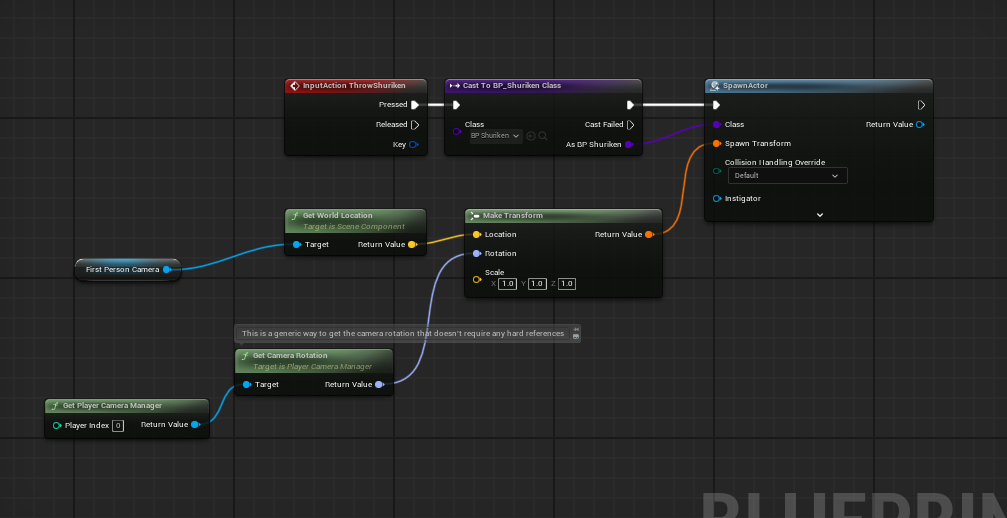
This code shows you how I made my script into a button where my spawn shuriken script is attached to so you could only press 1 button to activate it.
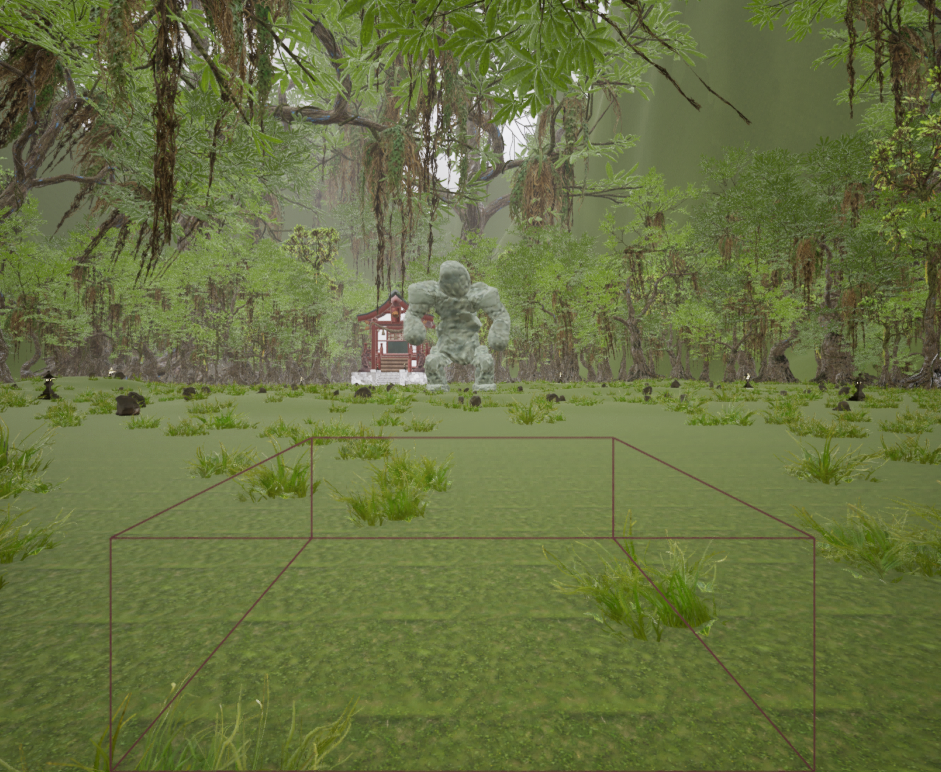
Boss fight in Unreal Engine 5!

Made with UE5!
Made with UE5!
This project was made with the intention to get to know how Unreal Engine works. This is my first project that I made with Unreal Engine 5, and I was also in a group full of people that did not know how the engine worked. This is a project that we got from school to make. We used the blueprint system that is built into the engine, which uses C++. The first thing we needed to do was come up with an idea for what boss fight we wanted to make. Everyone in the group tossed around ideas and suggestions of all sorts of different mechanics and art styles. We then voted for the ideas that came forward and chose to do a boss fight in a lost Japanese forest where you fight a stone golem, and the character that you are playing as is a samurai.

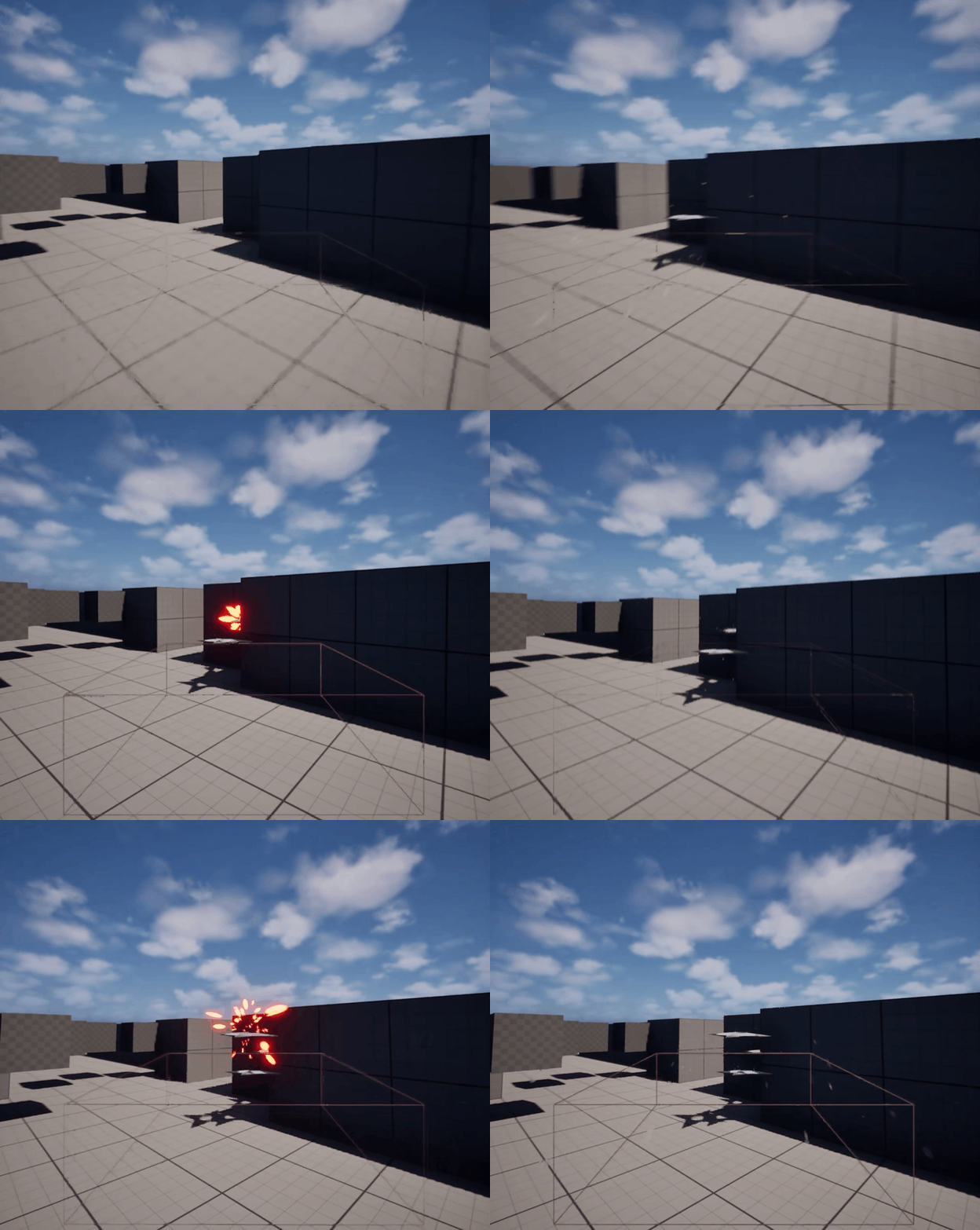
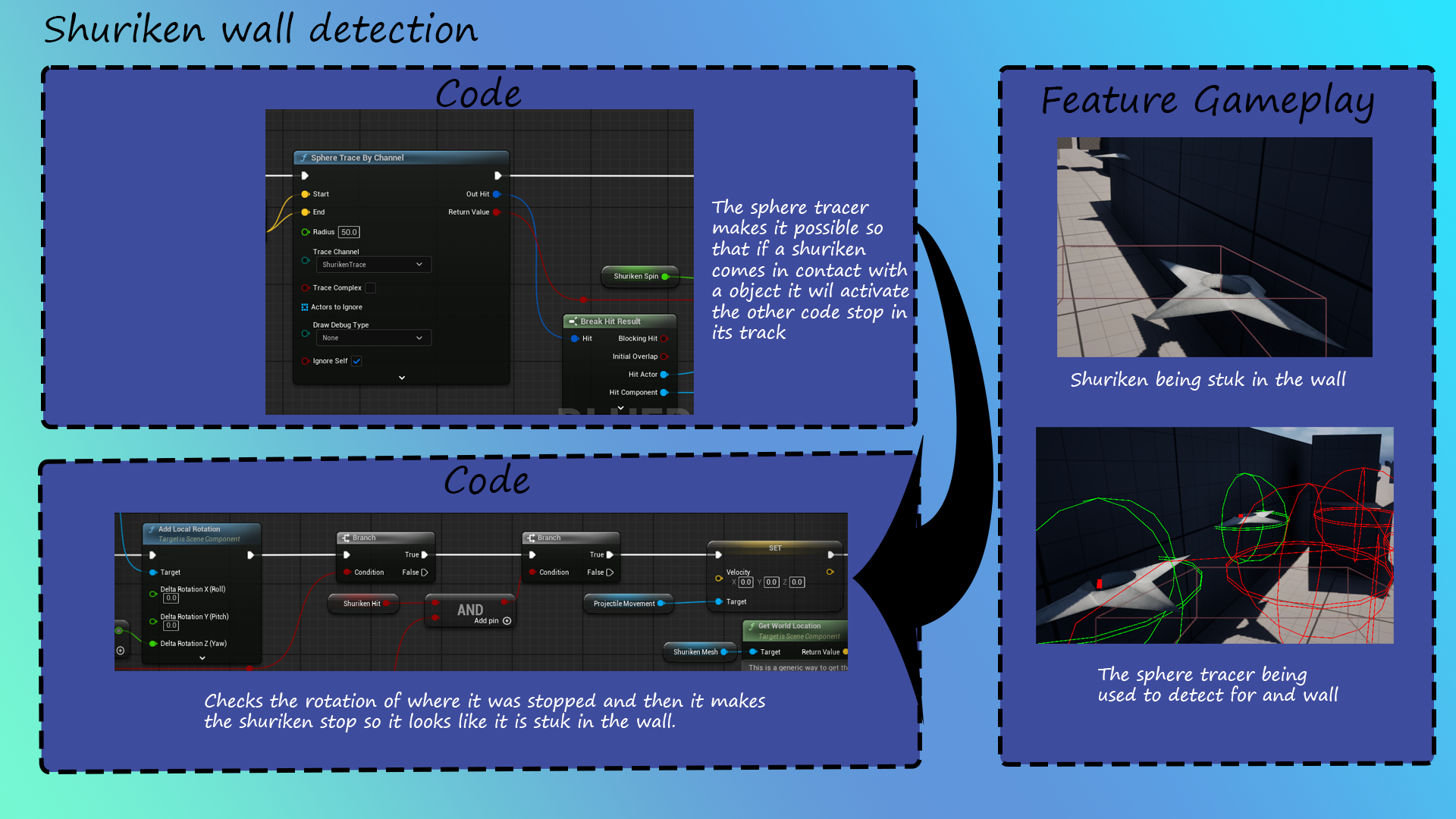
I had the task to make the shuriken throw mechanic to be thrown against the boss. I firstly began to code a sphere tracer into the player so it can understand when it hits a wall when I press a specific button. When that was done I then added a placeholder ball in place of the sphere tracer so that the ball would stop if it hits a wall. Then the shuriken mesh was shared with me so I could place it in place of the placeholder. After that I needed to make a mechanic where if the shuriken was stuck on a movable object (aka the boss) it would be able to move with it. After a while of coding and fixing other errors I got it to finally work against the boss. I still had some time left so I eventually made some particle effects where if it hits an object, sparks would come out of the shuriken.
This code shows you how I made my script into a button where my spawn shuriken script is attached to so you could only press 1 button to activate it.